See your system unfold.
DagFlo turns a prompt in your coding agent into an animated, shareable walkthrough of the system behind it.
What you can do with DagFlo.
Visualize code, follow system behavior, and give the team a walkthrough they can share.
Four steps, inside your existing workflow.
- 01
Connect DagFlo to your coding agent.
Add the DagFlo MCP server to Codex, Claude Code, Cursor, or OpenCode. It takes one command.
View setup instructionsTerminal — zsh — 80×24➜repo
Added MCP server 'dagflo'.
Next: codex mcp login dagflo
- 02
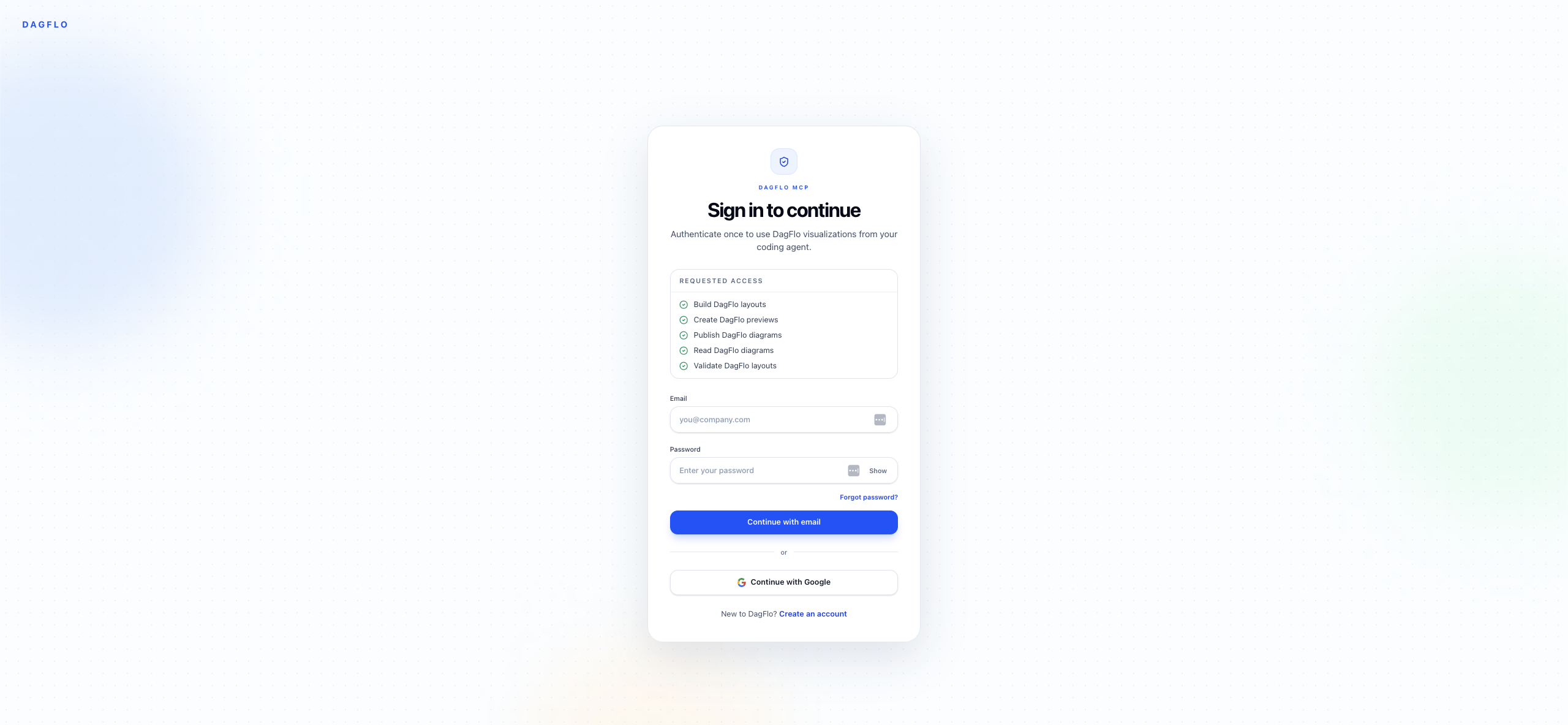
Approve the connection once.
Your agent opens DagFlo in the browser. Sign in and approve access, then return to your repository.
- 03
Ask Codex to visualize the system.
Work in the repo you already know. Describe the behavior, file path, or flow you want to understand.
Terminal — zsh — 80×24➜repo
DagFlo is mapping the request flow…
Visualization generated · 7 nodes · 8 edges
https://app.dagflo.com/d/checkout-request-flow
- 04
Follow the link into DagFlo.
Your agent returns a shareable visualization. Open it to inspect the flow, step through it, and send it to the team.
Terminal — zsh — 80×24➜repo
DagFlo is mapping the request flow…
Visualization generated · 7 nodes · 8 edges
https://app.dagflo.com/d/checkout-request-flow
Ready to connect your agent?
Set up DagFlo MCP in the tool you already use.